- Archive mode of replication inserts a new record in Cassandra when the existing record is updated in source apps. This feature helps to maintain historical record.
- Non Archive mode of replication updates the existing record in Cassandra when the existing record is updated in source apps.
Switching between Archive and Non Archive mode:
To identify and change the mode of the replication, the below mentioned steps must be followed.
- Locate the properties file config.properties by accessing the Cassandra folder saved in the below path
Installation Folder (DBSyncCReplSF3) > dbsync-repl > WEB-INF > db > Cassandra
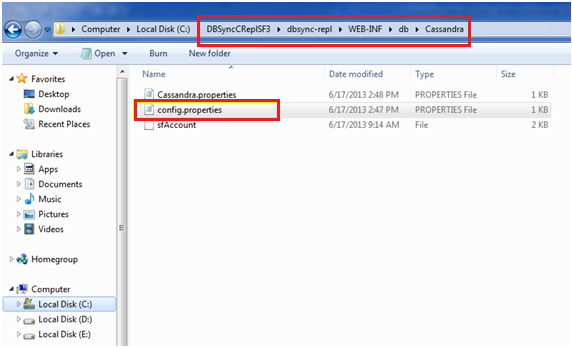
- Open the file config.properites to indentify the command cassandra.archive=true or cassandra.archive=false
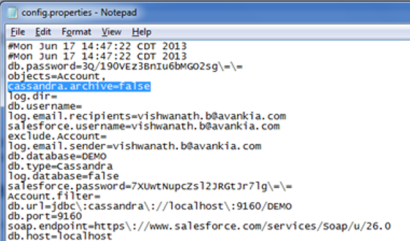
- cassandra.archive=true is for Archive mode of replication and cassandra.archive=false is for Non Archive mode of replication. Based on the requirement true or false must be used before running the replication in DBSync Replication tool.
Attachments:
 Image-2.PNG (image/png)
 combined.png (image/png)
 combined_2.png (image/png)
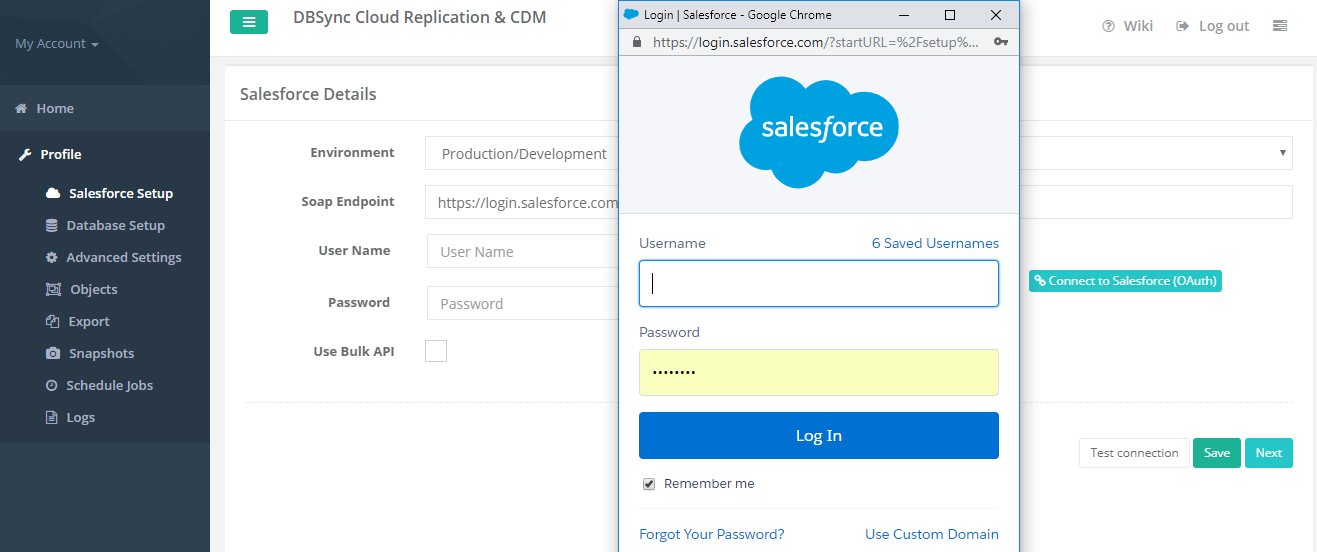
 Salesforce (OAUTH).PNG (image/png)
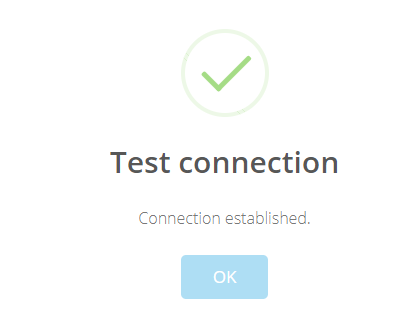
 Test connection.PNG (image/png)
 Save Connection.PNG (image/png)
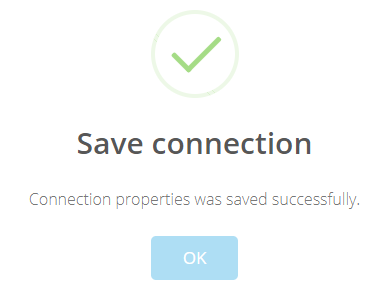 Image-11.png (image/png)
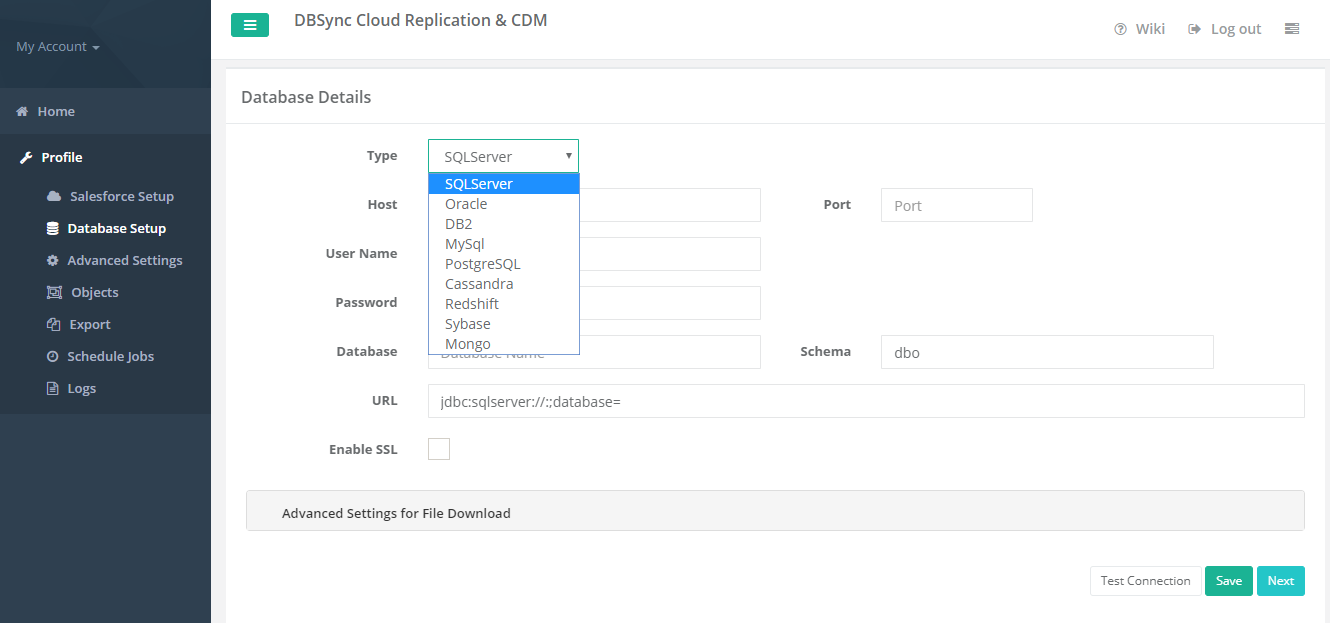 Cassandra database.PNG (image/png)
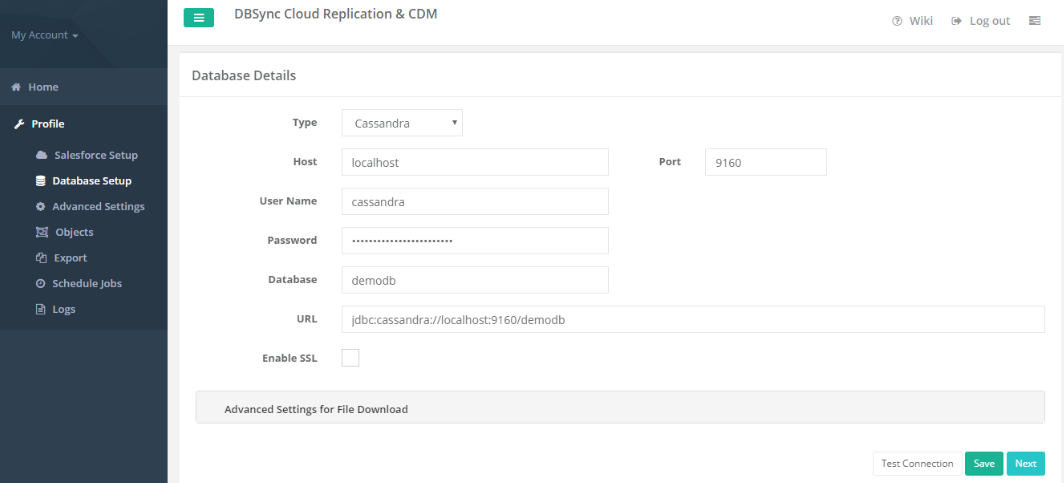 Image-5.png (image/png)
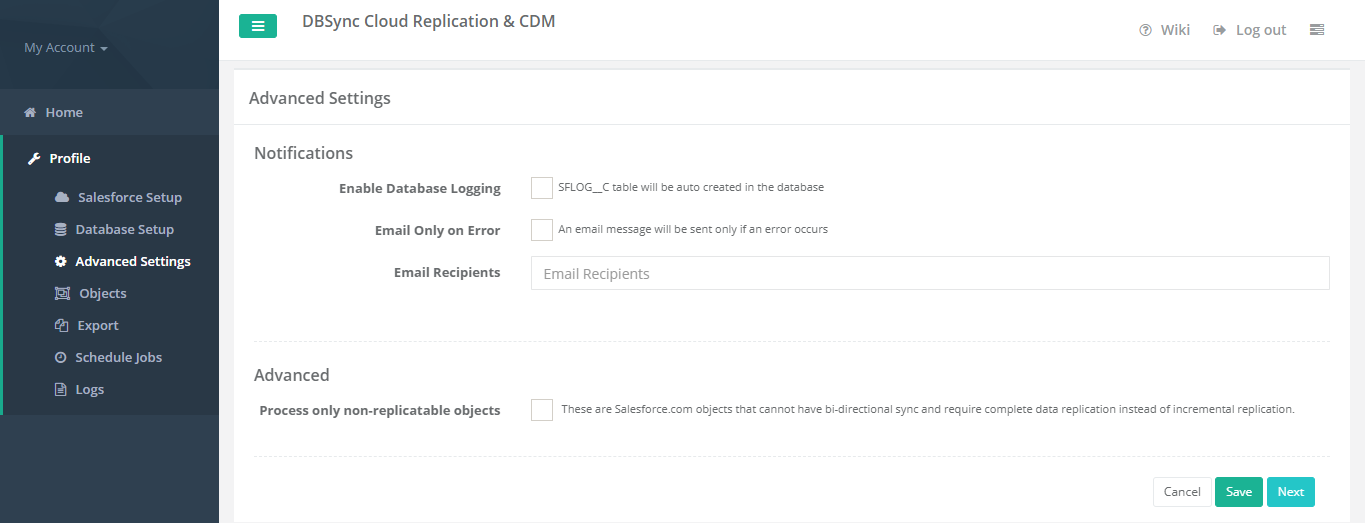 Objects.png (image/png)
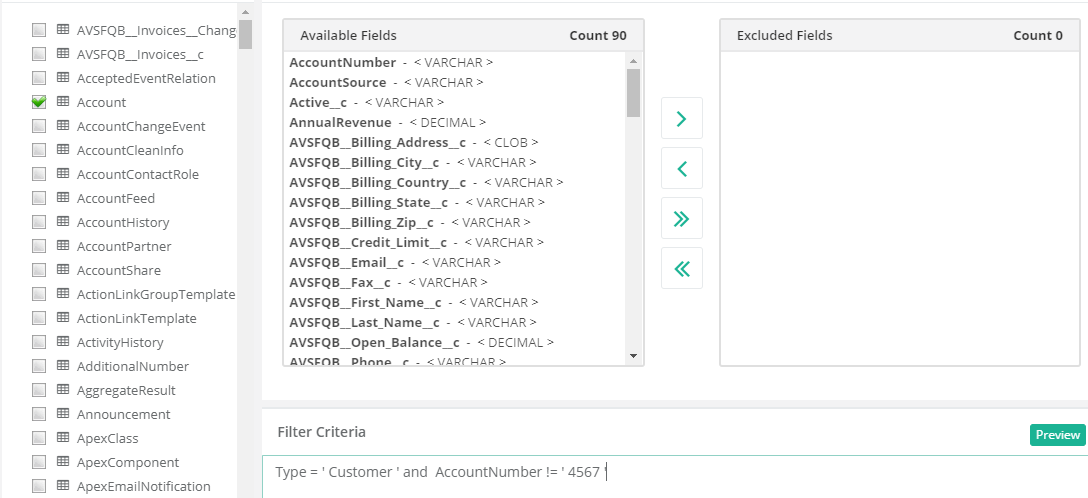 exclude.PNG (image/png)
 Image-13.PNG (image/png)
 schedular.PNG (image/png)
 Cassandra.png (image/png)
worddave43343ed289053ed6427e41e37f06bac.png (image/png)
Cassandra.png (image/png)
worddave43343ed289053ed6427e41e37f06bac.png (image/png)