Issue : Unable to integrate customer into QuickBooks Online from Salesforce even though the Salesforce Account does not exists in QuickBooks as a Customer.
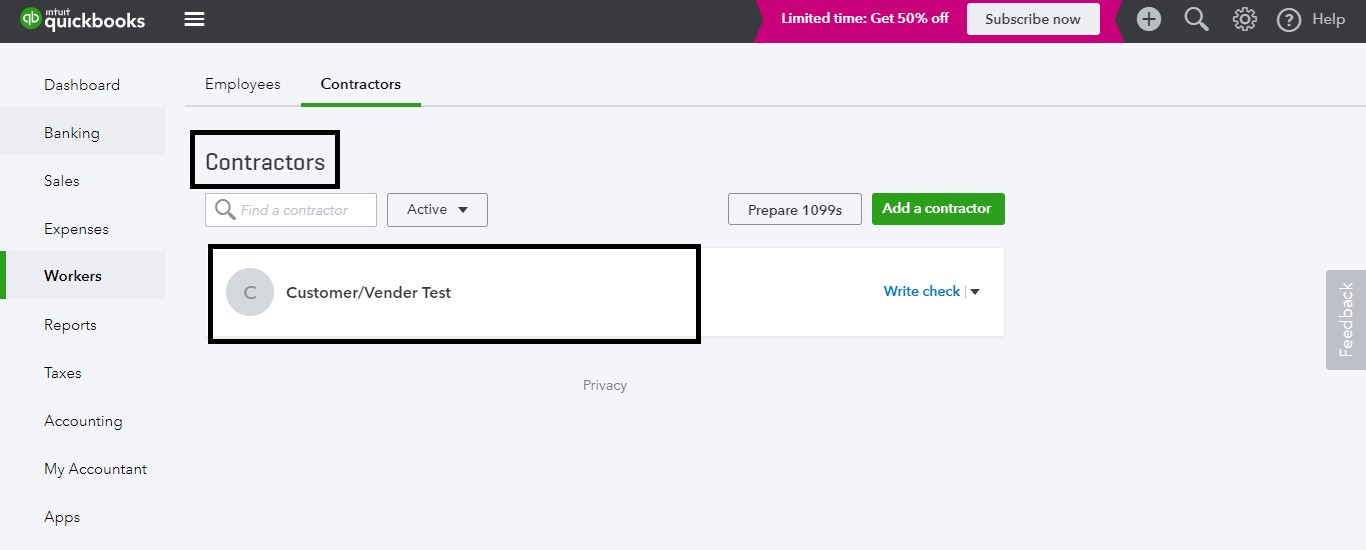
Reason : Either a Vendor or Contractor or an Employee exists in QuickBooks with the same name as Salesforce Account, hence customer will not be created.
Error in DBSync Logs:
<Error code="6240" element="">
<Message>Duplicate Name Exists Error</Message>
<Detail>The name supplied already exists. : Another customer, vendor or employee is
already using this name. Please use a different name.</Detail>
</Error>
Error in the Browser:

Account in Salesforce (Customer/Vendor Test):

Vendor/Contractor already exists in QuickBooks with the same name:

Solution:
Rename the Vendor/Employee name in QuickBooks other than Salesforce Account name.
Rename the Account name in Salesforce other than QuickBooks Vendor/Contractor/Employee name.
Delete the Vendor in QuickBooks if it is not required.
Renaming the Account name in Salesforce as Customer/Account Testing:

Customer has been created in Quickbooks:

Attachments:
 figure 4.jpg (image/jpeg)
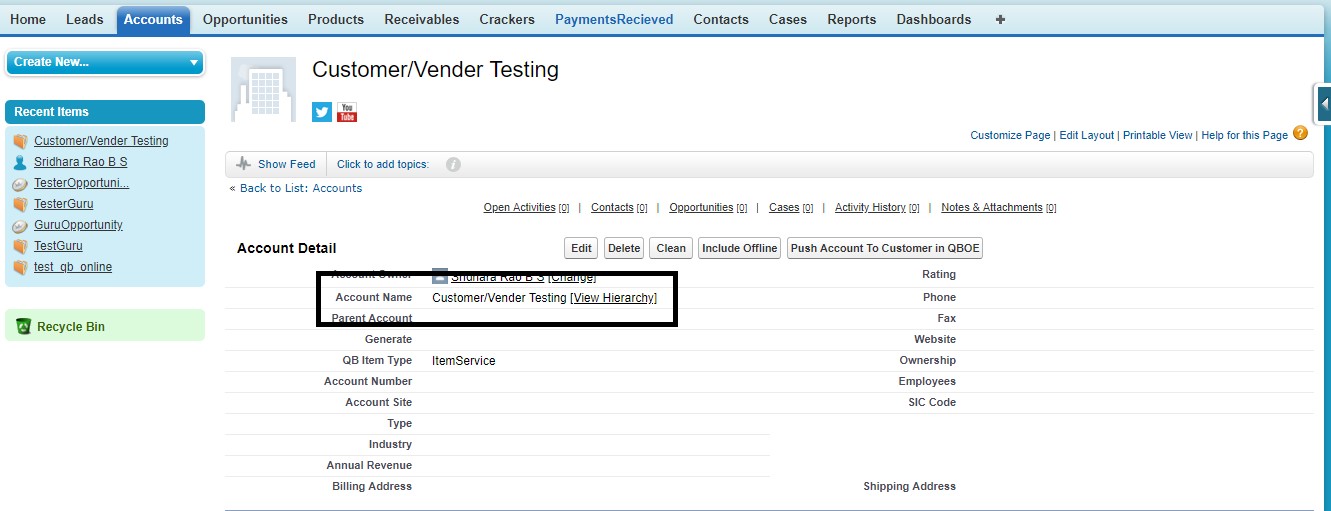 figure 5.jpg (image/jpeg)
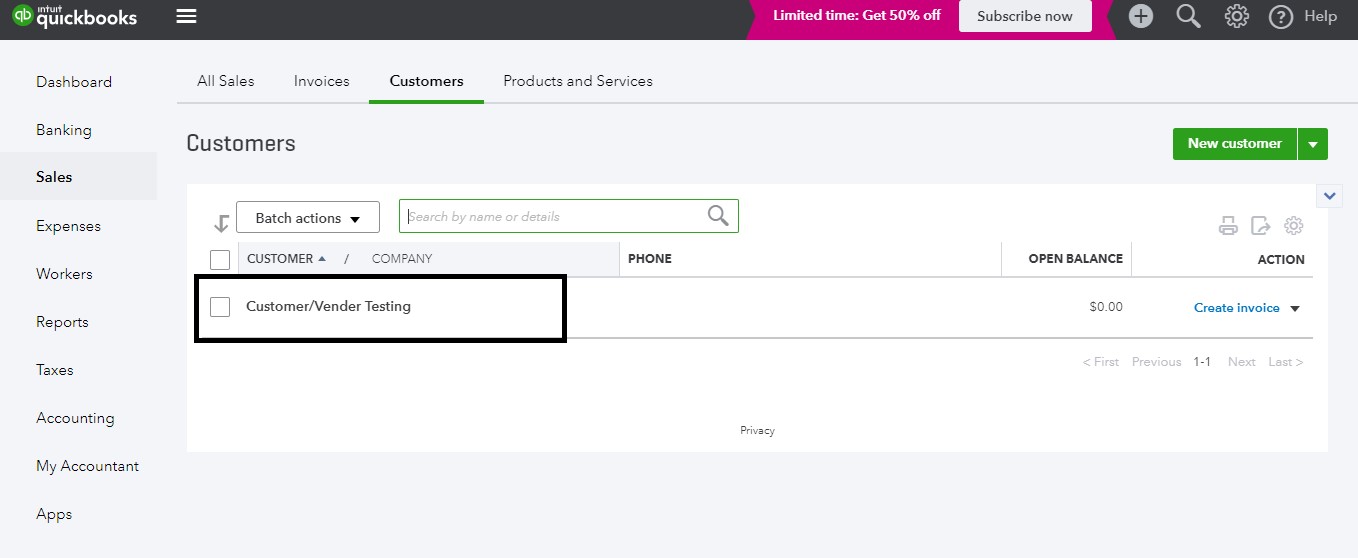 figure 1.jpg (image/jpeg)
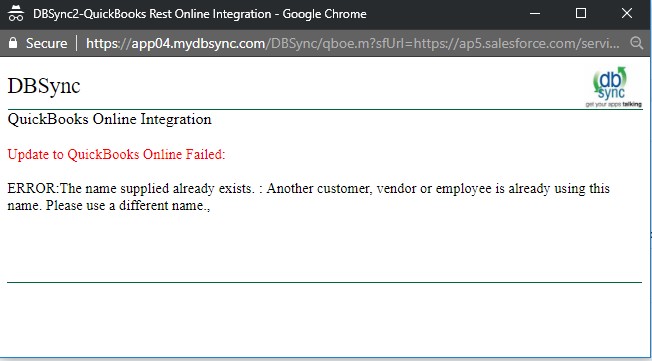 figure 1.png (image/png)
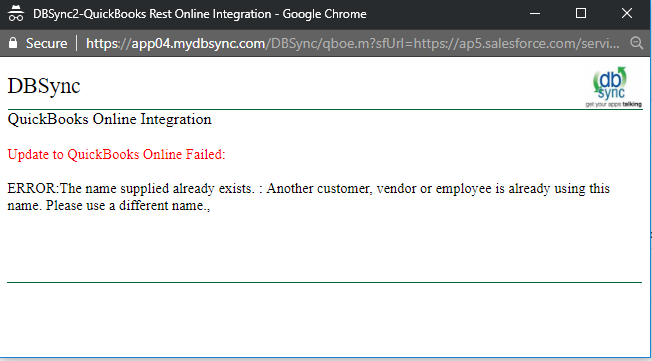 figure 2.jpg (image/jpeg)
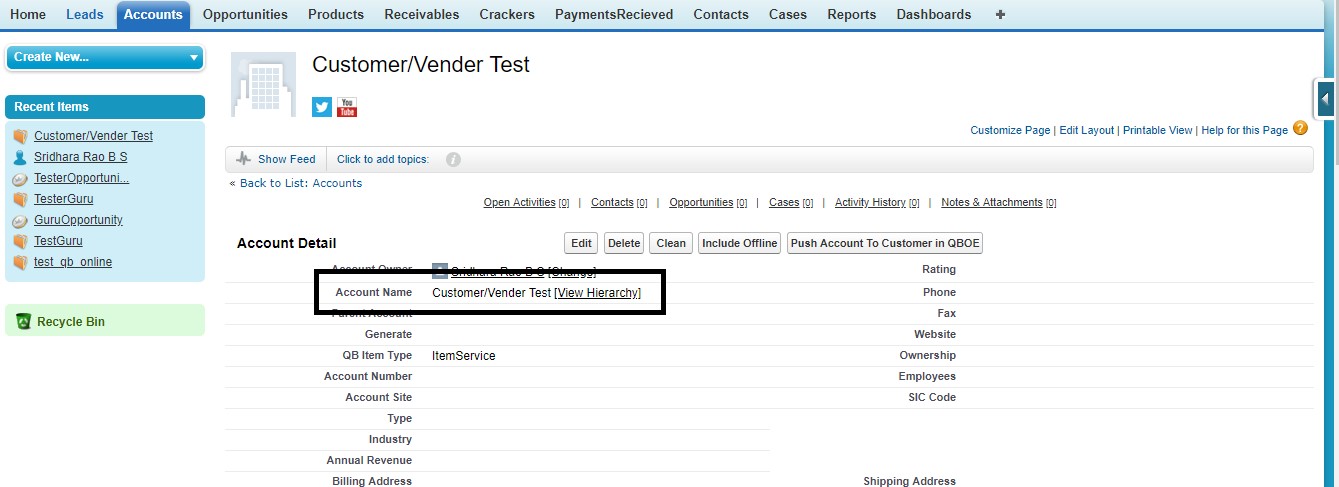 figure 3.jpg (image/jpeg)