DBSync Cloud Workflow (iPaaS) : Setting Password in QuickBooks Web Connector
Created by Chandra Kumar, last modified by Munira Majumdar on Nov 06, 2019
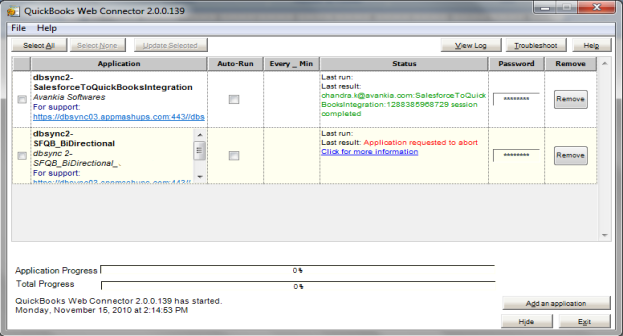
- To open Web Connector, go to QuickBooks and click on "Start\Programs\QuickBooks\Web Connector".
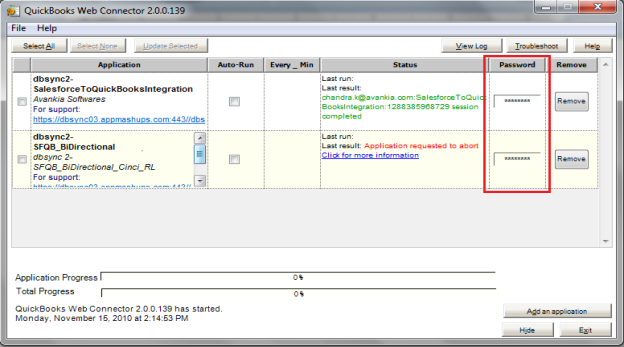
- Enter your Password in the Password tab for a particular application.
- Click on the Text box for the application and enter your Password. Click ENTER. A confirmation message, "Do you want to save this Password" will display. Click Yes to save your password.
- Your password is changed and you are now ready to run the sync.
 worddavdc7512e69c5a6f27fdf5aa260490d4d1.png (image/png)