Steps to validate a PDL file
After the importing of a PDL file have been completed, follow these steps to validate the PDL file:
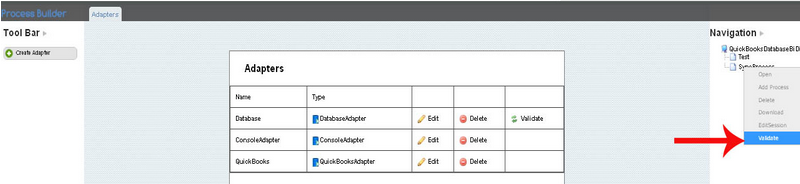
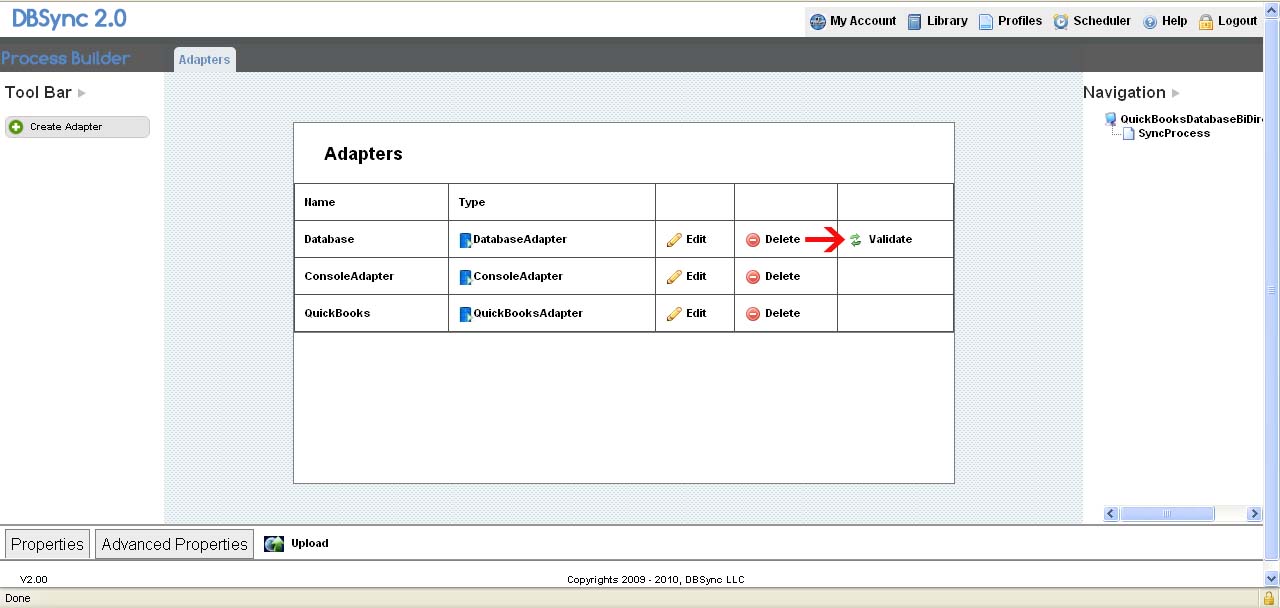
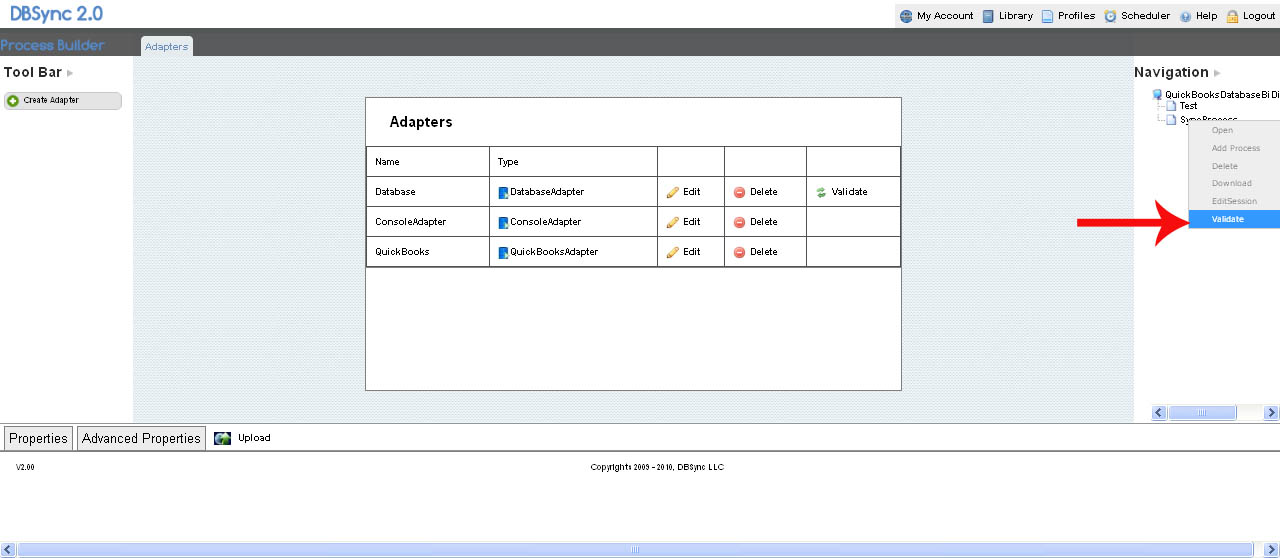
1. After uploading the file, click Validate to validate the PDL file as shown in the screen shot below:
2. Clicking on the Validate button, the imported file properties are uploaded in the newly created adapter (as shown in the screen shot below):
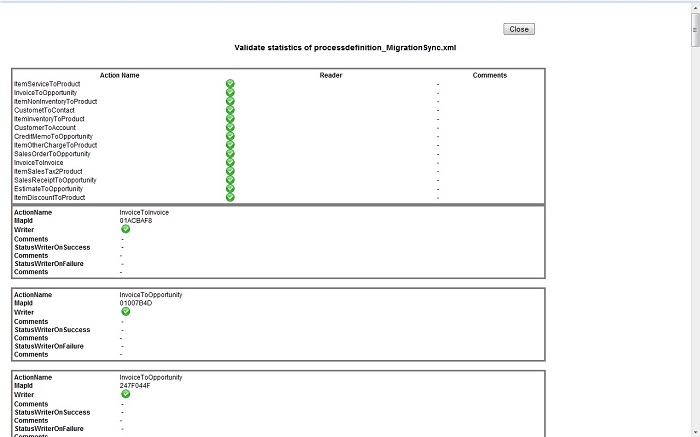
3. The properties of the imported file display in the created profile.
Attachments:
 Validating a PDL file copy.jpg (image/jpeg)
 Validate12.jpg (image/jpeg)
Validating Connections.jpg (image/jpeg)
Validate12.jpg (image/jpeg)
Validating Connections.jpg (image/jpeg)
 Validating a PDL file.psd (application/octet-stream)
Validating a PDL file1.jpg (image/jpeg)
Validating a PDL file.psd (application/octet-stream)
Validating a PDL file1.jpg (image/jpeg)
 P28.png (image/png)