Below are the steps to get started with your QuickBooks company file and to configure the QuickBooks connector.
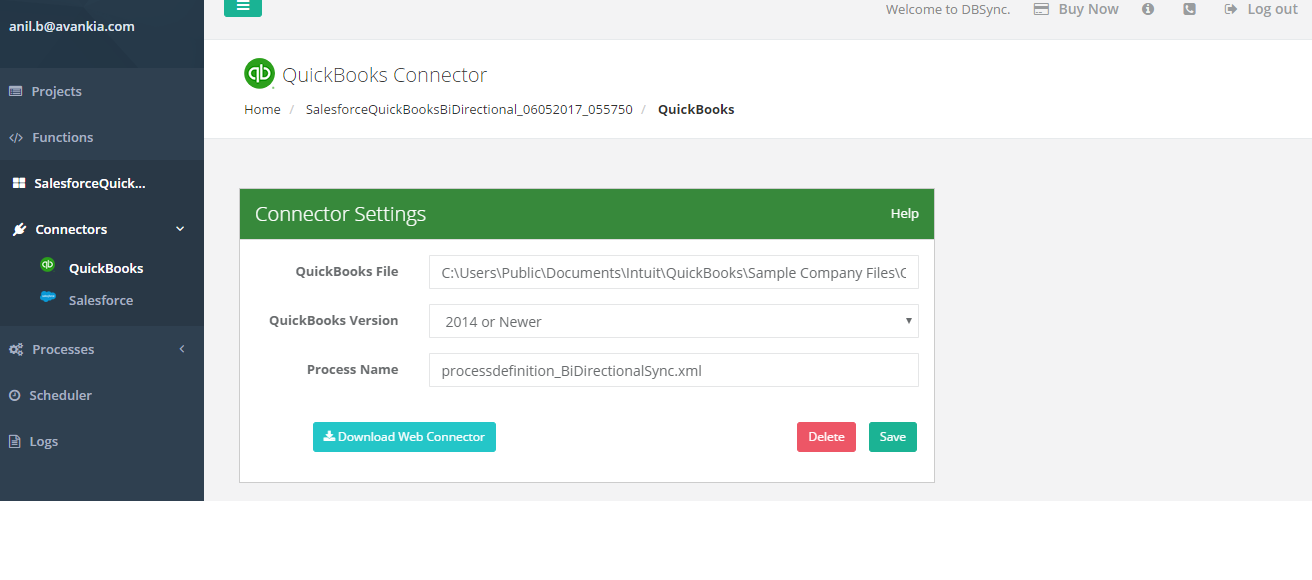
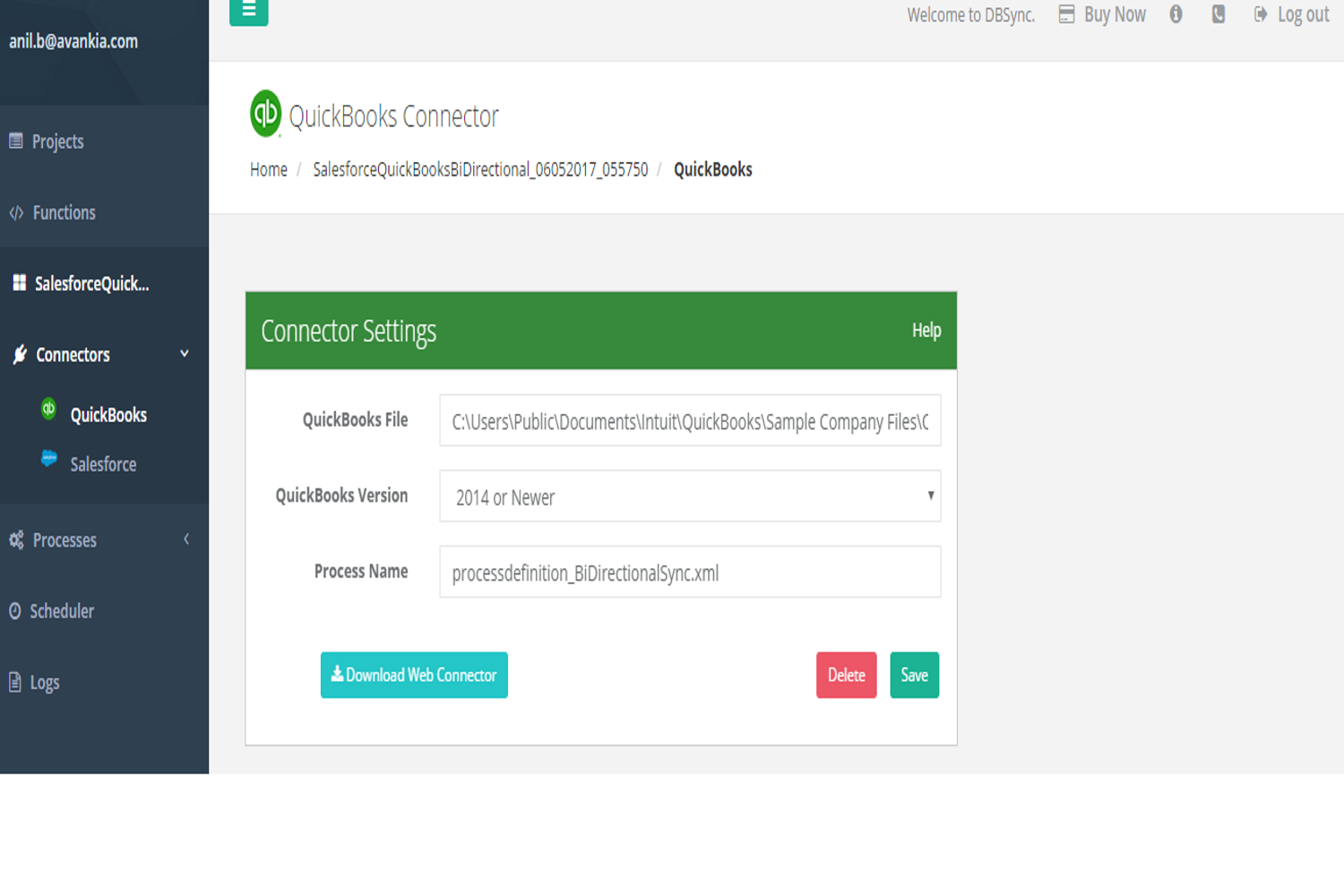
- Click on the Edit button on the connector listing of the QuickBooks connector to input the QuickBooks parameters as shown in the below image.
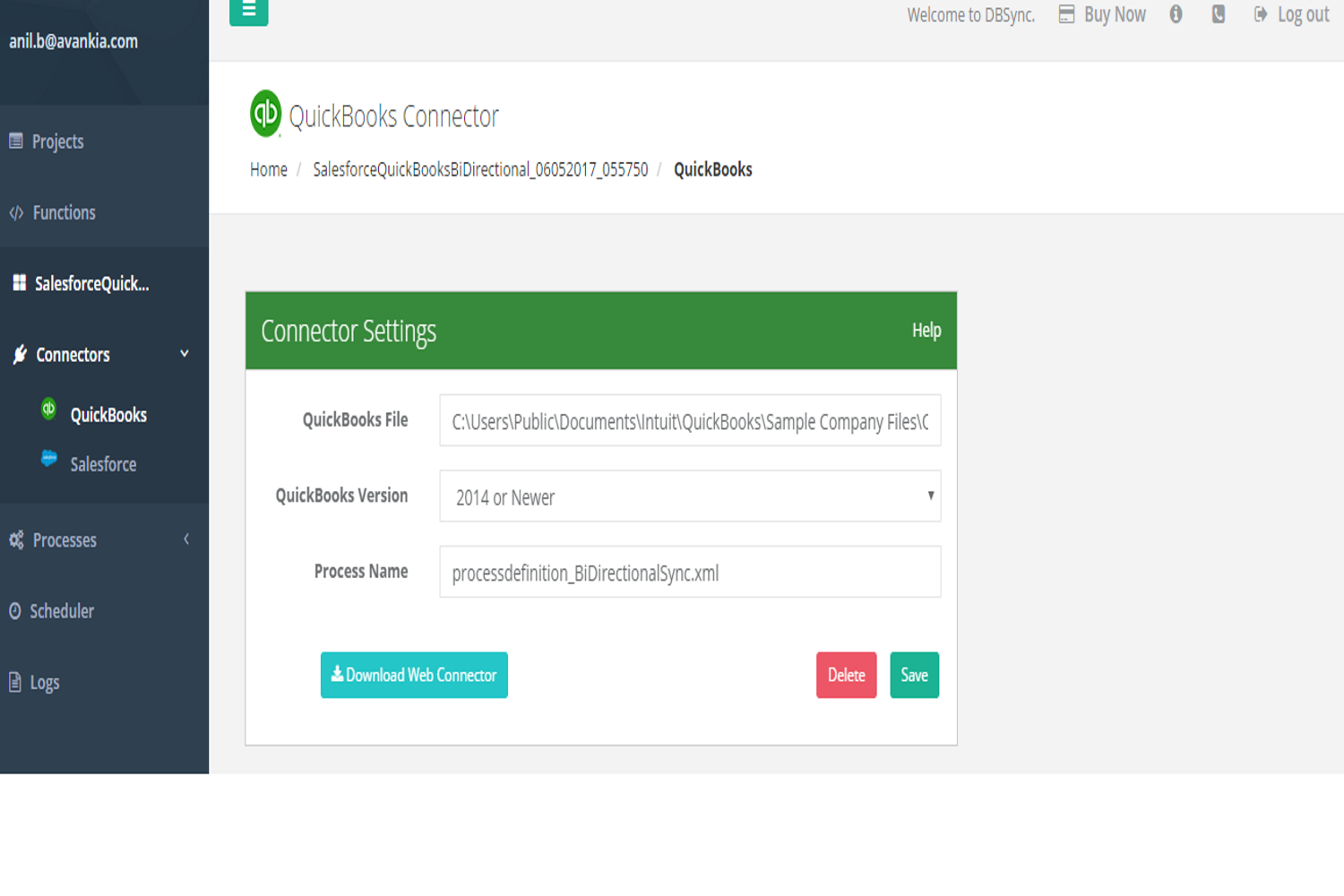
- Click on Save button to save the settings.
The below table gives the required and optional parameter that need to be set for establishing a connection with QuickBooks desktop from where you would like to read the data or write to.
| Property | Description | Required |
|---|---|---|
| QuickBooks File | The file path of the QuickBooks on the machine where it is hosted. The file path can be obtained in the following manner:
| yes |
| QuickBooks Version | You should choose the version of your QuickBooks desktop from the drop-down. Versions supported are
| yes |
| Process Name | The process name is the project name in DBSync which is trying to access the QuickBooks file. The convention for the process name is "processdefinition_processname.xml" | yes |