iPaaS : Importing A Template
Created by Anil Bhimineni, last modified on Jun 07, 2017
- Logon to the website www.mydbsync.com
- From the "My Account" menu , Click on "Customer Login" link which will open a login page in new tab
- Input your Email Id, Password to login to your account.
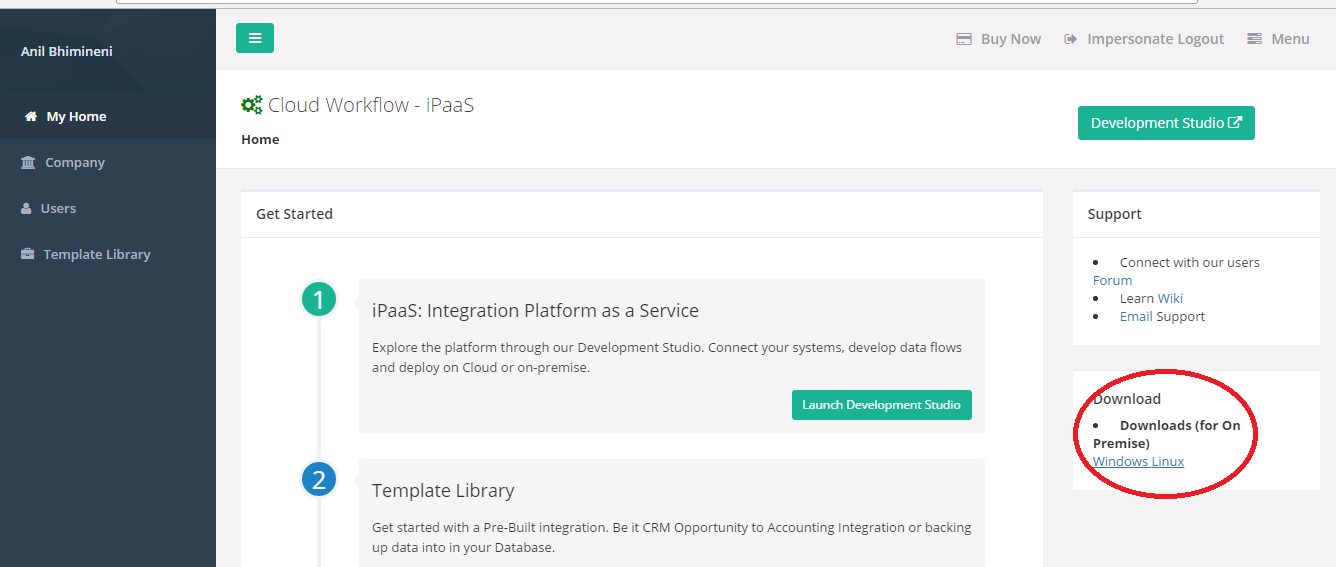
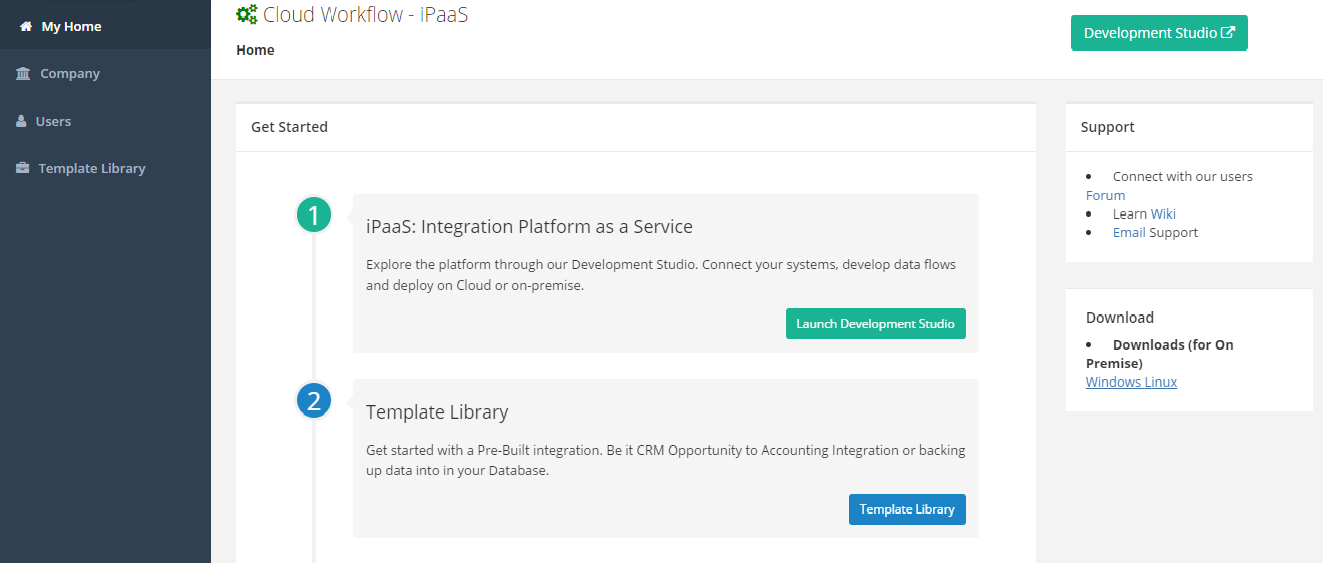
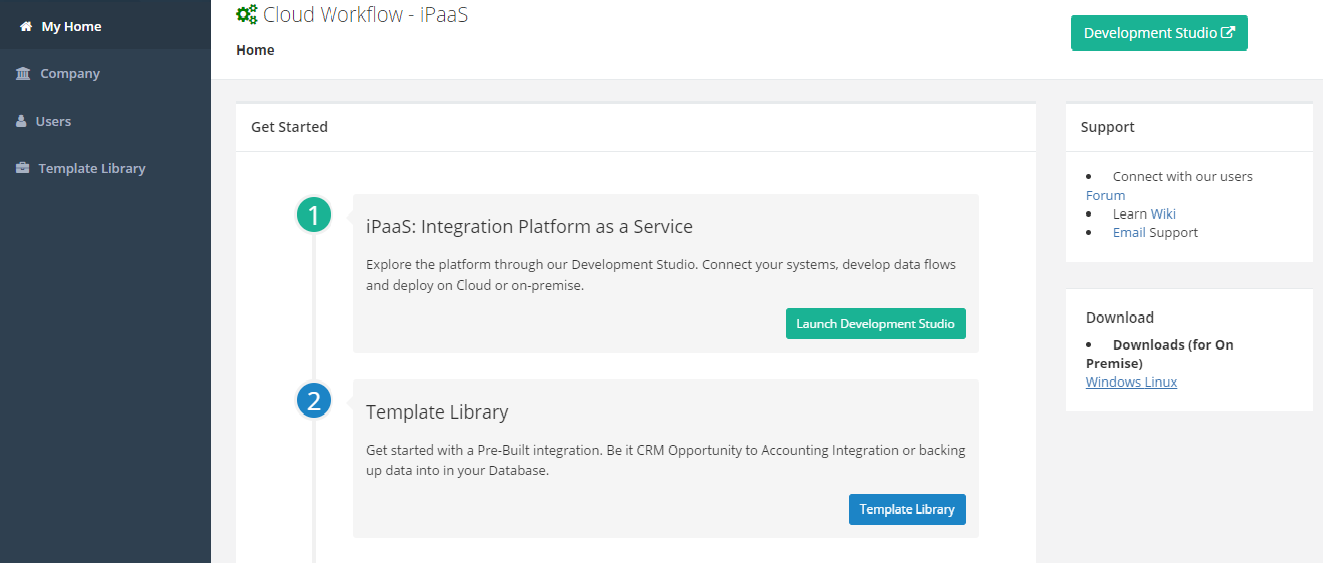
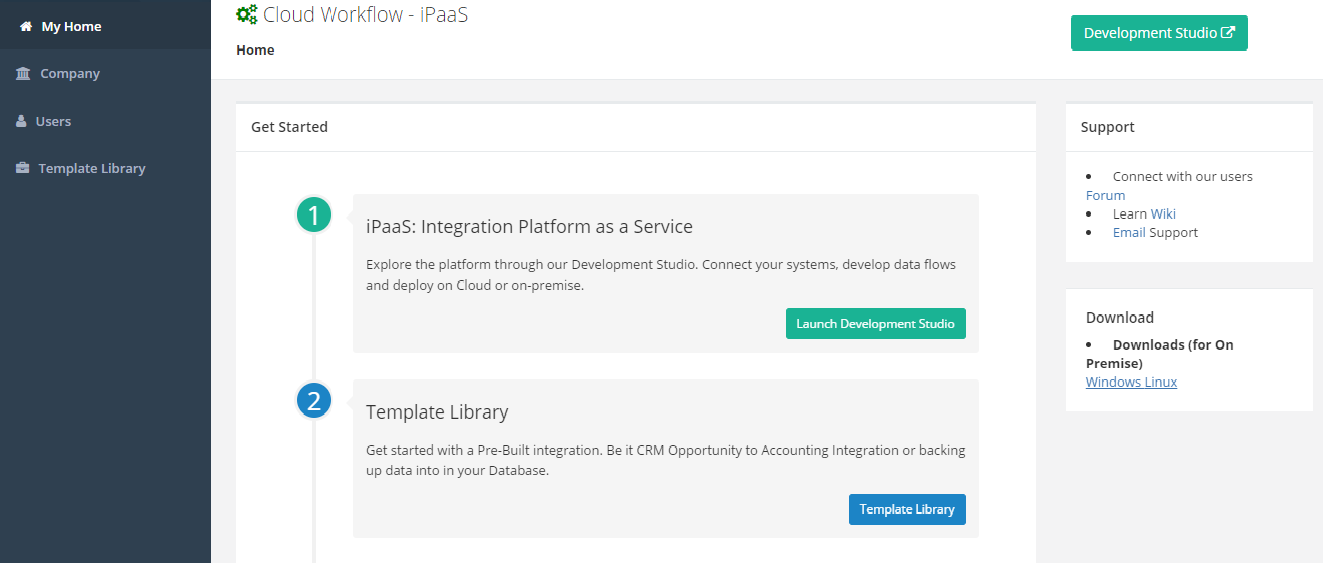
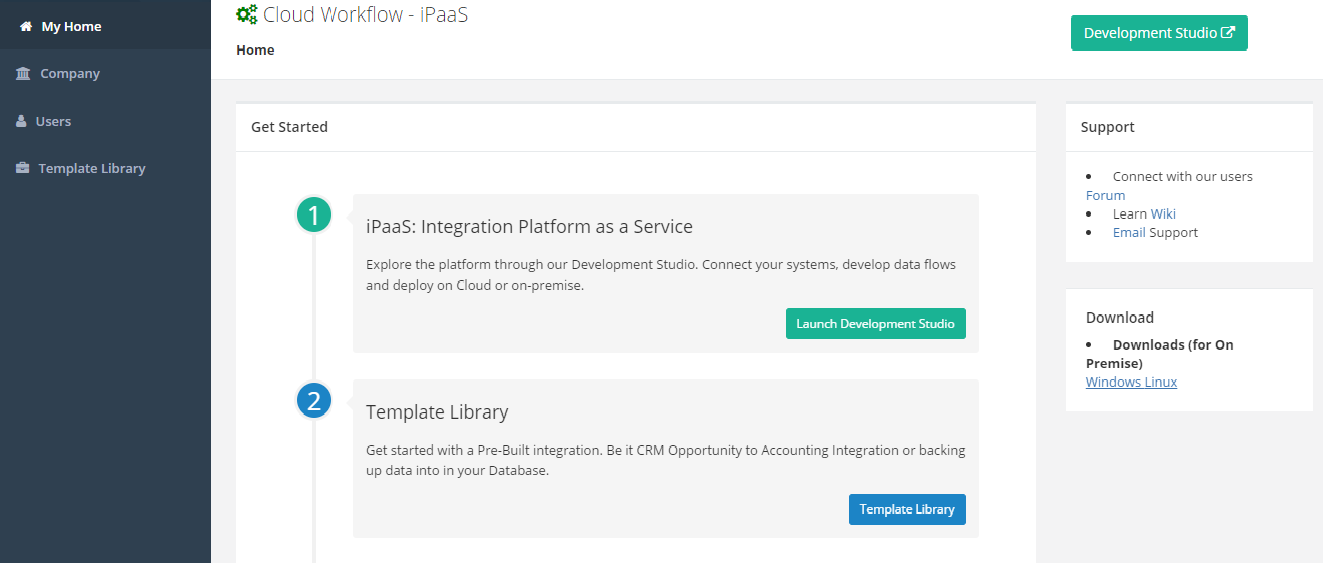
- After you login from the left navigation, Click on Template Library menu will navigate the user to Template Library page
- On the search bar, search for the Template name you wish to import and hit the search button which will result the Template name that is being searched
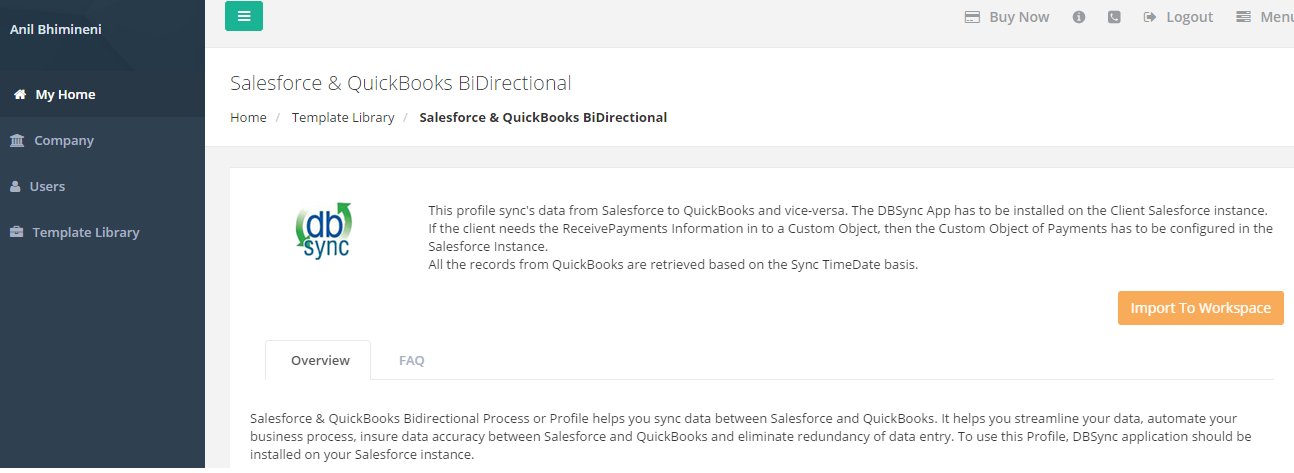
- Click on "View More" hyper link which will open the template in the new tab.
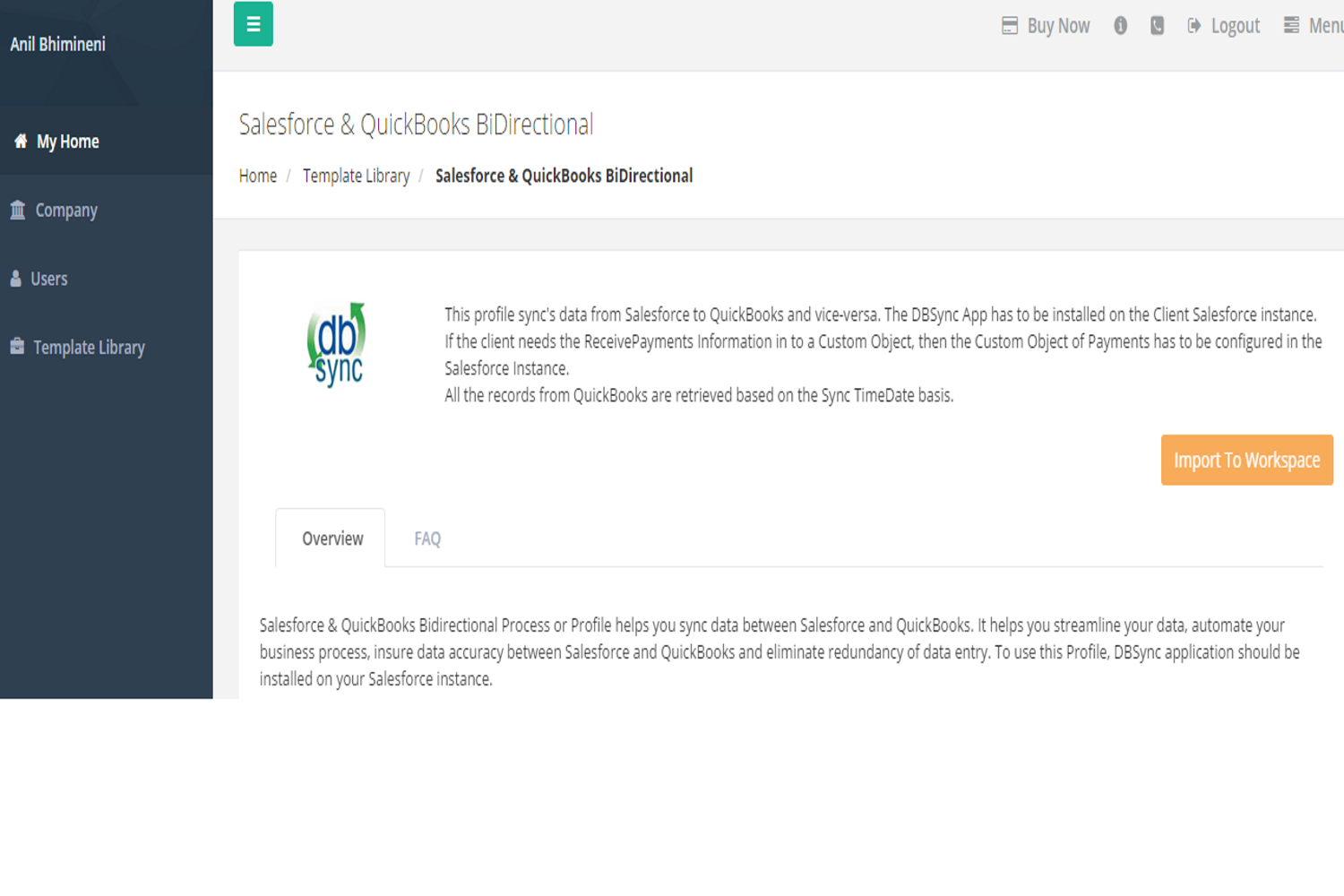
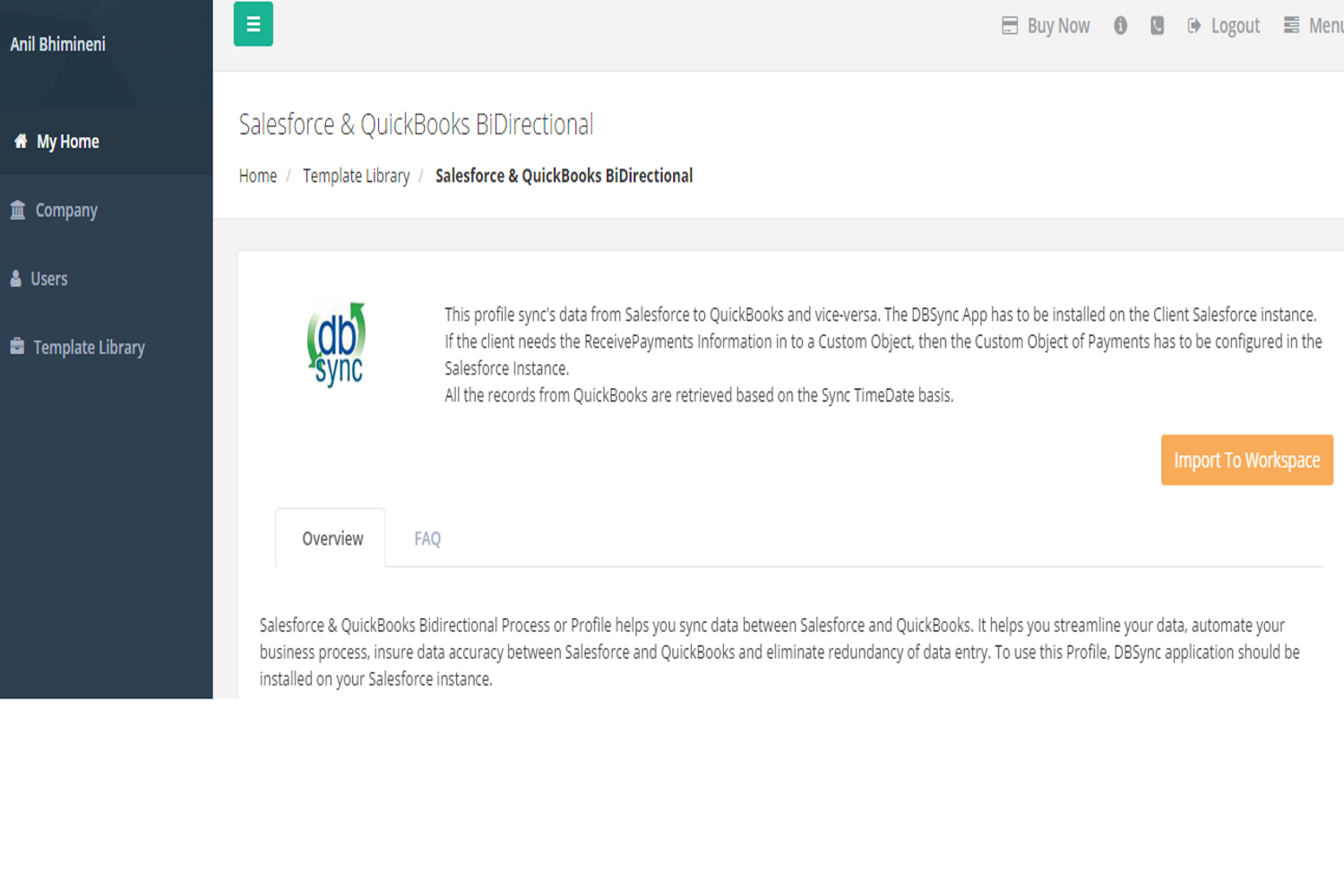
- On the right hand corner click on "Import To Workspace", that will add the template to your DBSync user instance and land the user on the connector listing page.
- Now configure the respective connectors to get started with the integrations to work.
 Image.png (image/png)